
Wallets
Tap to pay in seconds.
Add your WINNZ virtual card to your mobile wallet and pay in-store with your phone (where available).
Your card stays virtual. Your phone becomes your payment method.
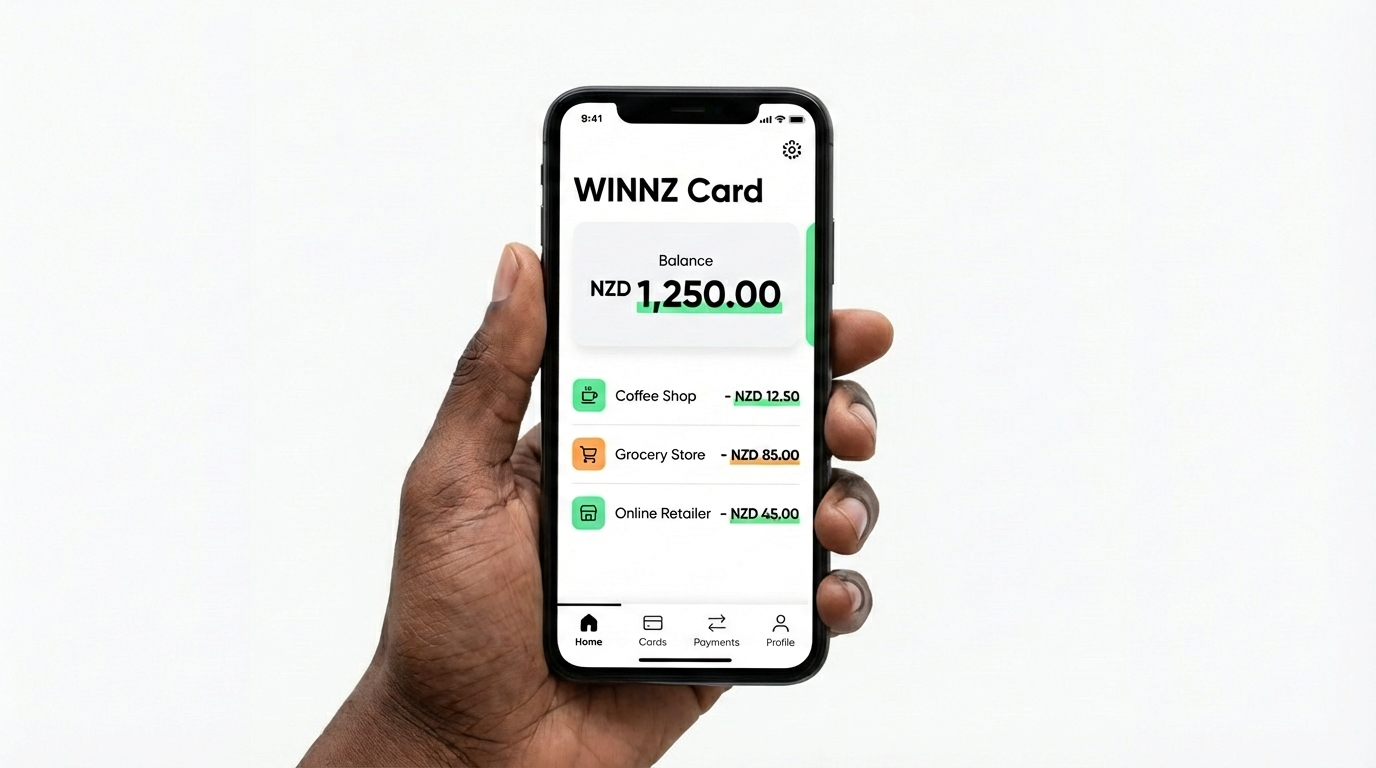
Wallet options
Keep the order consistent: Apple Pay, Google Pay, Samsung Pay.
- Apple Pay Add your WINNZ card and tap to pay with iPhone or Apple Watch.
- Google Pay Tap to pay in-store with Android devices that support Google Pay.
- Samsung Pay Tap to pay on Samsung devices (where available).
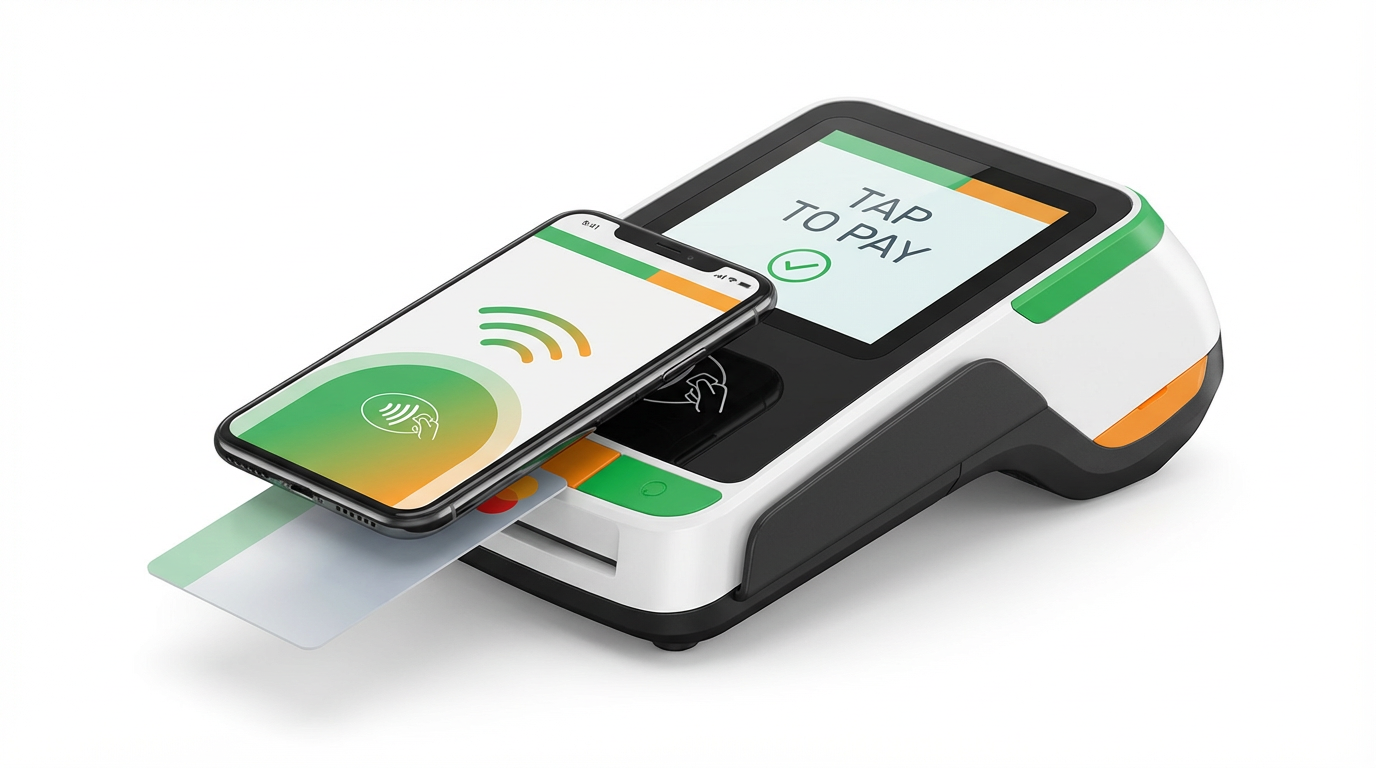
Add to Wallet
How to add your WINNZ virtual card
1) Log in to your WINNZ account
2) Open your card
3) Choose Add to Wallet
4) Follow the steps on your phone
2) Open your card
3) Choose Add to Wallet
4) Follow the steps on your phone
Where available. Device and wallet support may vary.